Logo and usage
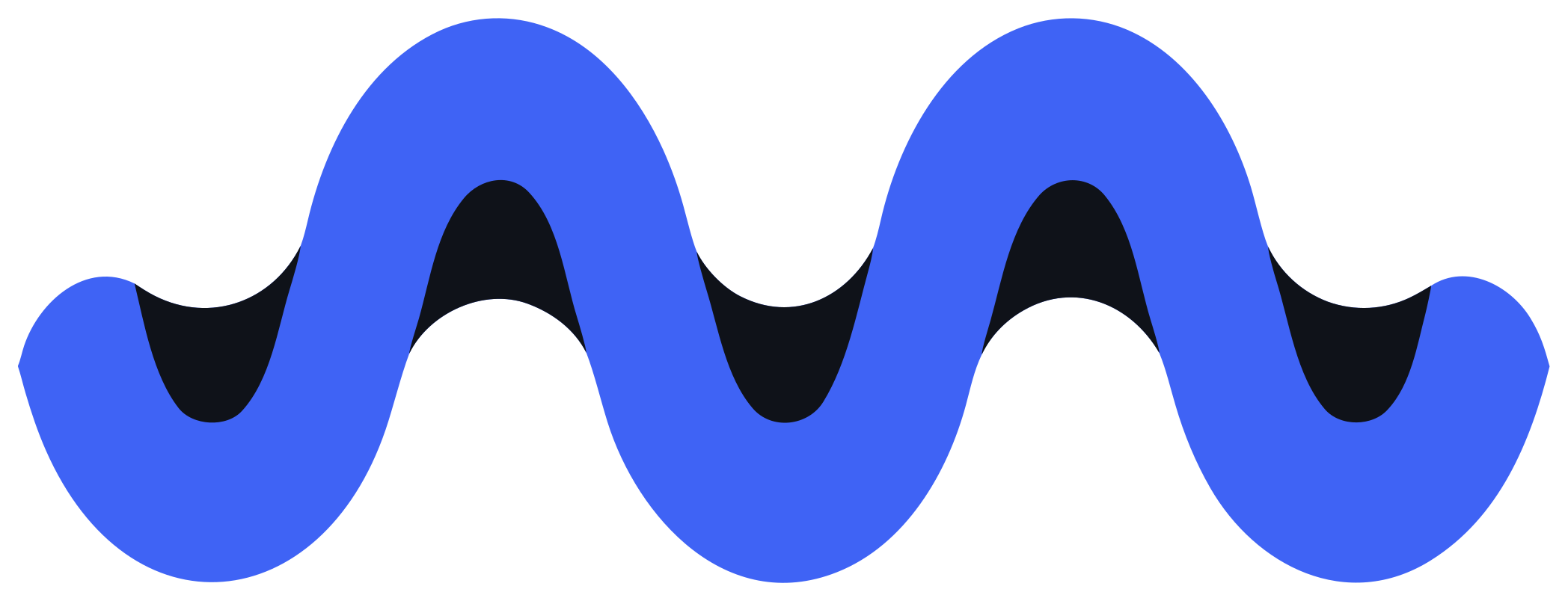
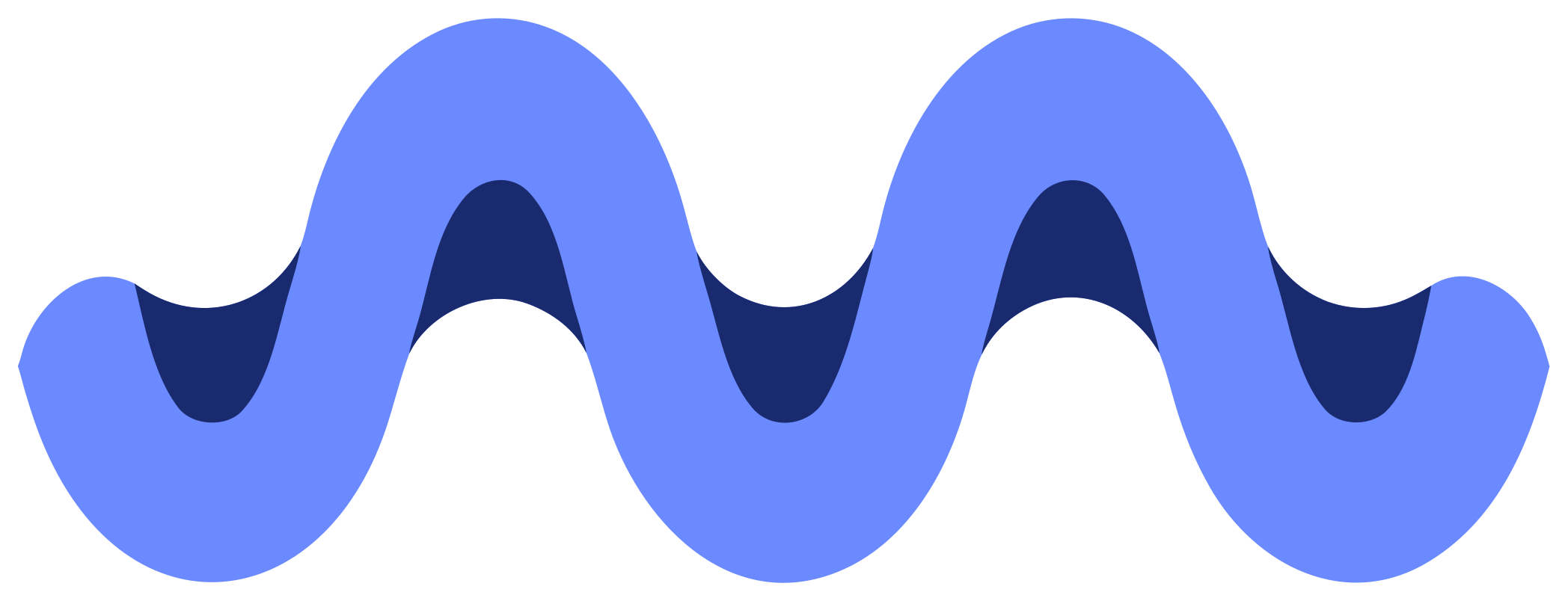
The Merid mark is a wave. Its two crests form an M, and the line runs on past them like a signal travelling along the meridian, the single reference line the library's layouts are drawn against. Where the line passes under itself it drops into shadow (ink in light mode, deep blue in dark), which gives the flat shape its depth without a gradient. The wave carries the accent; it is the one place the brand uses its blue at full strength. The mark pairs with a lowercase wordmark set in Geist SemiBold at -0.035em tracking, outlined to paths in the SVG files so it renders the same everywhere. In the lockup the wave sits on the wordmark's x-height, a touch taller so its crests overshoot the way round letters do.
Versions


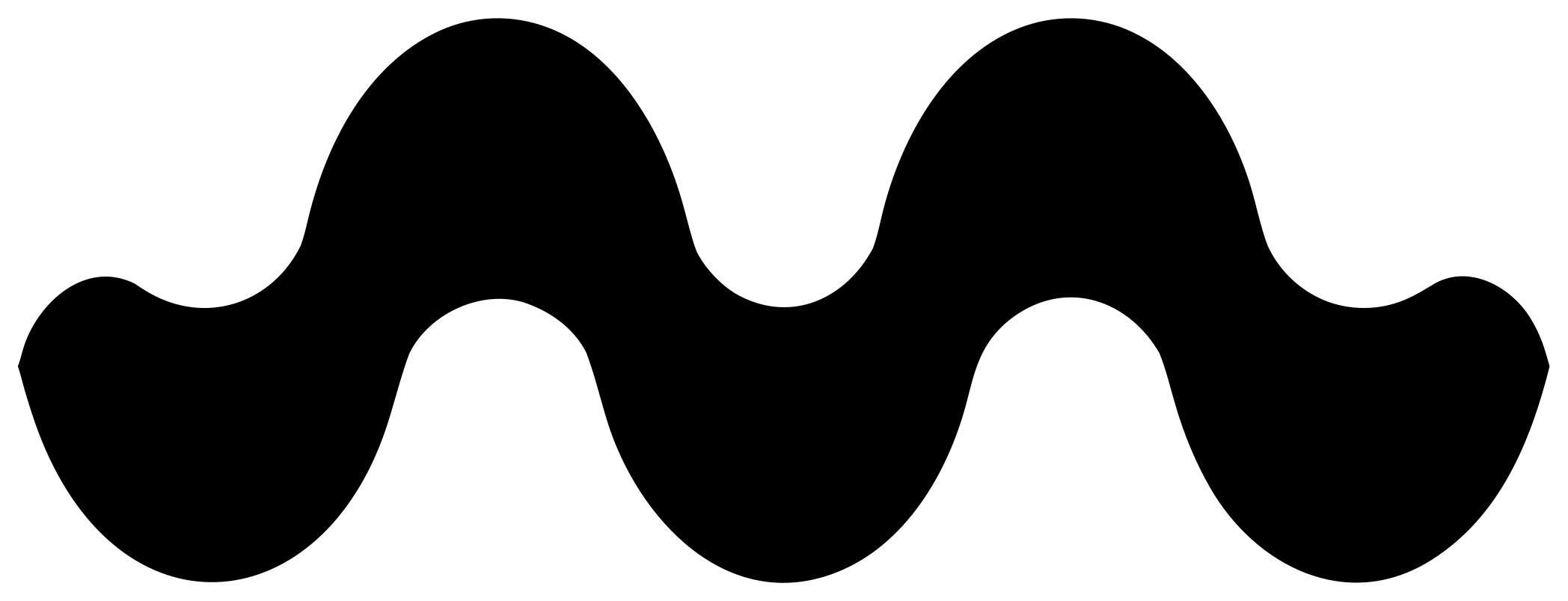
The mark on its own is available as light, dark and mono. A white mono logo is at /brand/logo-mono-white.svg and the app icon at /icon.svg.


Clear space
Keep clear space around the logo equal to half the height of the wave. Nothing else, including other logos and the edge of the frame, should enter that space.

Minimum size
The full logo should be at least 72px wide on screen. Below that, use the mark alone at 10px tall or larger. At favicon sizes use the app icon: the white wave on an accent tile, with accent-strong shadows.
Colour
Use the light version on white or --mrd-tray, and the dark version on --mrd-bg in dark mode. When colour is unavailable — engraving, single-colour print, a monochrome badge — use the mono version. The wave is always #3f63f5 in light and #6b8aff in dark; its shadows are ink #0f1219 in light and #1a2a6e in dark.
Avoid
Do
- Use the supplied SVG files as they are.
- Place the logo on flat, calm backgrounds.
- Scale the logo proportionally.
Avoid
- Recolour the wave, or drop or recolour its shadows.
- Redraw the crests or straighten the line.
- Add gradients, shadows, outlines or effects.
- Rotate, stretch or re-typeset the wordmark.
- Place the logo on busy photographs.
Name
Write the name as Merid in running text, with a capital M. The wordmark is lowercase by design. The package is @merid/react.